Overview
Each audit has a number of pages associated with it. The pages are grouped into areas, as follows:
-
General
-
SEO
-
Code
-
Configuration
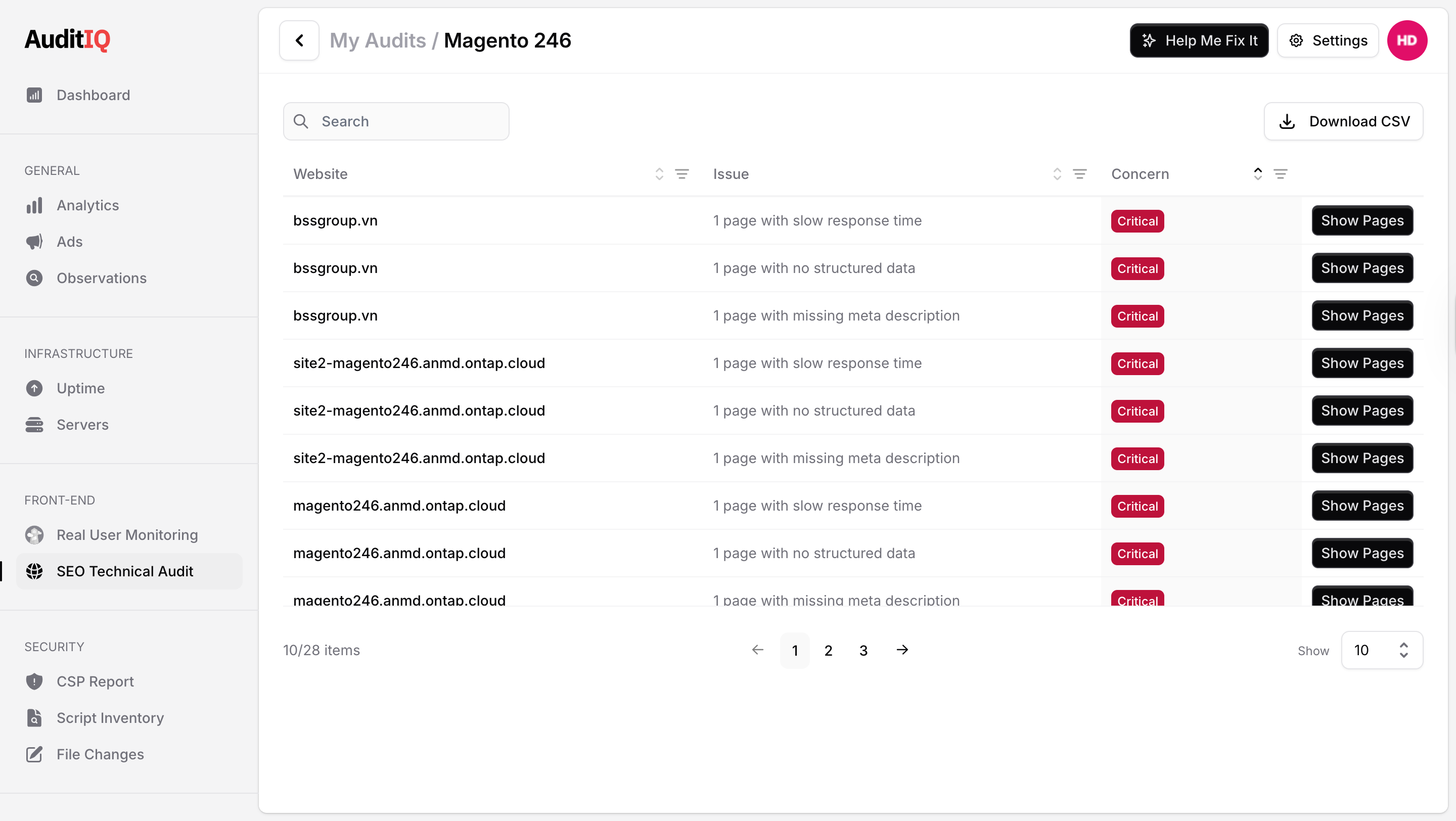
Each page consists of common elements, as shown in the image below...
-
The name of the audit.
-
The "Page" drop-down enables you to navigate to the various pages of the audit.
-
As with all of the data tables within the audit, you can search it by typing into the search field. This enables you to field information quickly.
-
The data table shows the relevant information for the page.
-
Each of the columns can be sorted by clicking on the text in the column headers. This toggles between ascending and descending order.
-
Where there is a "Concern" column, the table is typically sorted by default in descending order - Critical → Medium → Minor → None.
-
-
Link back to the My Audits dashboard
-
Link to log out of the portal.